

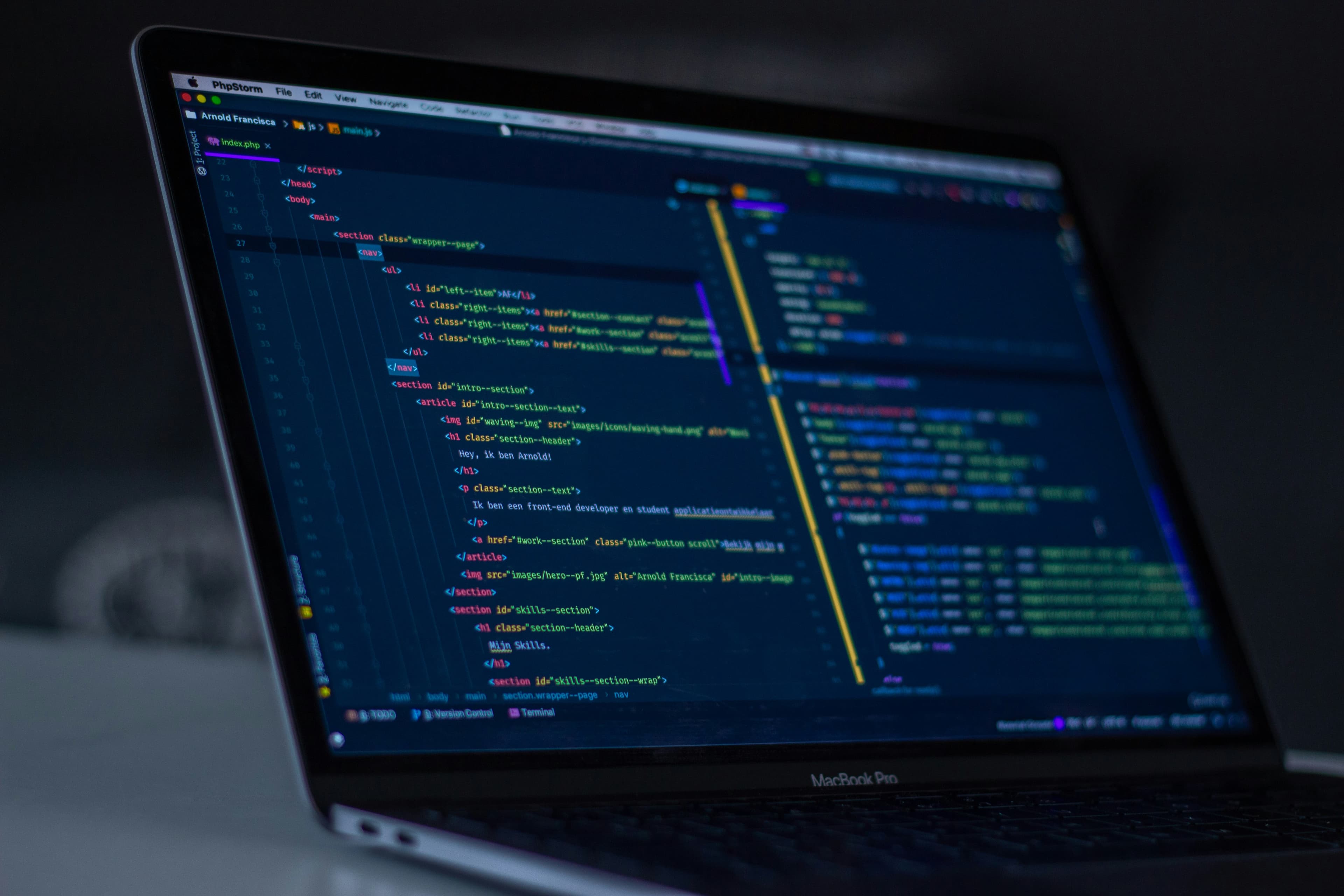
How to Format Code Automatically (JavaScript, Python, HTML, CSS, JSON & More)
Learn how to format code automatically using modern tools for JavaScript, Python, HTML, CSS, JSON and more for clean, consistent code.
Written by
Clean Formatter Editorial Team
Technical Writer
Experts in developer tooling, code quality, formatting automation, and software best practices.
Messy code isn’t just ugly — it’s expensive. It slows down teams, causes merge conflicts, breaks readability, and makes debugging feel like detective work with missing clues. Clean code, on the other hand, feels like a breath of fresh air. And the easiest way to get there? Automatic code formatting.
Why Code Formatting Matters More Than Most Developers Think
Inconsistent formatting creates friction — especially in collaborative environments. I’ve seen simple indentation mistakes turn into debugging disasters. Formatting ensures your code isn’t just correct, but readable, maintainable, and predictable across editors and machines.
- Improves readability instantly
- Prevents merge conflicts in Git
- Ensures consistent style across teams
- Makes debugging dramatically easier
- Reduces noise in code reviews
- Helps junior devs follow standards effortlessly
info
The Simplest Solution: Use an Automatic Code Formatter
Manual formatting is painful. Scrolling, adjusting, re-indenting… only for the next edit to break everything again. Automatic formatting handles indentation, spacing, line breaks, bracket alignment, and style rules flawlessly — without any effort from you.
Use Code Formatter ToolBecause all formatting happens in your browser, your code never leaves your device — perfect for private repositories or confidential client work.
How Code Formatters Work Behind the Scenes
Good code formatters don’t just indent lines — they understand language structure. They parse your code using ASTs (Abstract Syntax Trees), apply formatting rules, then rebuild the code cleanly.
- Parse code → identify structures
- Apply language-specific rules (PEP 8, Airbnb, W3C, etc.)
- Fix spacing & indentation
- Normalize line lengths
- Format comments
- Output clean, consistent code
If a formatter isn’t using an AST, it’s not a formatter — it’s just a fancy search-and-replace.
Formatting JavaScript & TypeScript
JavaScript formatting is notoriously opinionated. Should you use semicolons? Single quotes or double quotes? Tabs or spaces? Tools like Prettier and ESLint have made it easier, but an online formatter gives fast fixes without setup.
Input:
function test ( ) {console.log('hello');}

Output:
function test() {
 console.log('hello');
}
success
Formatting Python (PEP 8 Standards)
Python is extremely sensitive to whitespace. Misaligned indentation can break your script instantly. A Python formatter ensures that indentation, spacing, and line length follow the PEP 8 style guide.
- 4-space indentation
- Blank lines between top-level functions
- Spaces around operators
- Max line length: 79–88 chars
- Consistent docstring formatting
warning
Formatting HTML, CSS & Frontend Code
Frontend code becomes unreadable quickly — nested markup, long class lists, deeply structured CSS, and multiple JS blocks. A proper formatter collapses long lines, aligns attributes, and indents correctly for readability.
- Indent nested tags correctly
- Format inline CSS
- Split long HTML attributes
- Align CSS selectors
- Normalize brackets and spacing
Formatting JSON Cleanly
Minified JSON is unreadable and difficult to debug. A JSON formatter prettifies it with proper indentation and consistent styling.
Input:
{"user":{"name":"Sushil","role":"dev"}}

Output:
{
 "user": {
 "name": "Sushil",
 "role": "dev"
 }
}
When Should You Format Code Automatically?
Automatic formatting isn’t just a cleanup step — it should be part of your workflow. Here’s when to use a formatter:
- Before committing code
- Before submitting assignments or portfolio projects
- After pasting code from the internet
- After copying code from emails or PDFs
- When reviewing pull requests
- When fixing merge conflicts
Formatting Minified Code
Minified JavaScript, CSS, or HTML is intentionally compressed for performance — but completely unreadable. A formatter restores indentation and spacing for debugging or learning.
danger
Formatting for Team Consistency
When multiple developers work on the same project, inconsistent formatting leads to messy diffs and endless arguments. A shared formatting standard stops the chaos instantly.
- Code looks uniform across editors
- Junior devs learn standards faster
- Pull requests focus on logic, not spacing
- Reduced merge conflicts
- Cleaner version history
Manual Formatting (Not Recommended)
Yes, you can manually indent every line… but unless you enjoy suffering, avoid it. Manual formatting is slow, error-prone, and inconsistent.
- Re-indenting code line by line
- Fixing brackets manually
- Aligning nested blocks
- Adding spacing around operators
- Breaking long lines manually
Automated tools finish in milliseconds what takes humans minutes — or hours.
Final Thoughts: Clean Code = Better Software
Formatting isn’t about making code pretty — it’s about making it maintainable. Developers who format regularly write cleaner code, communicate better with teams, and ship fewer bugs. Whether you’re working solo or managing a large codebase, automatic formatting is one of the simplest upgrades you can make to your workflow.